Smartass & Sass6.8
Publisher Description


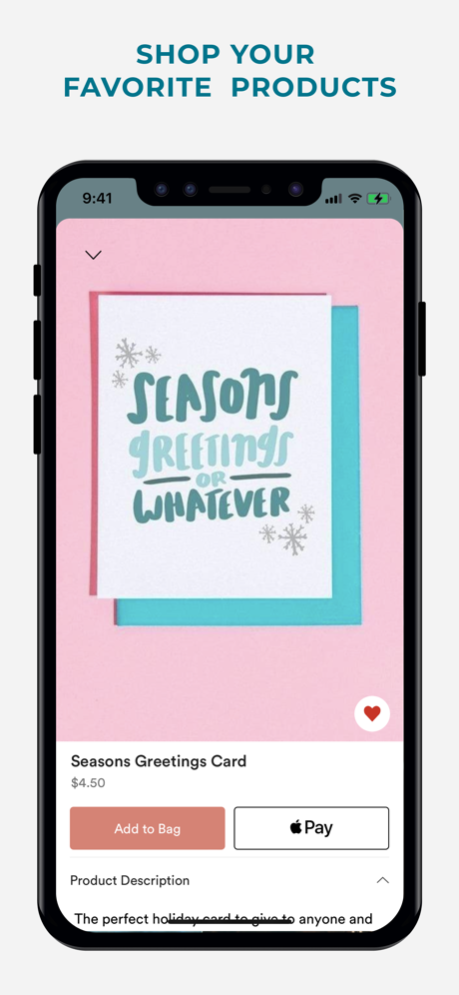
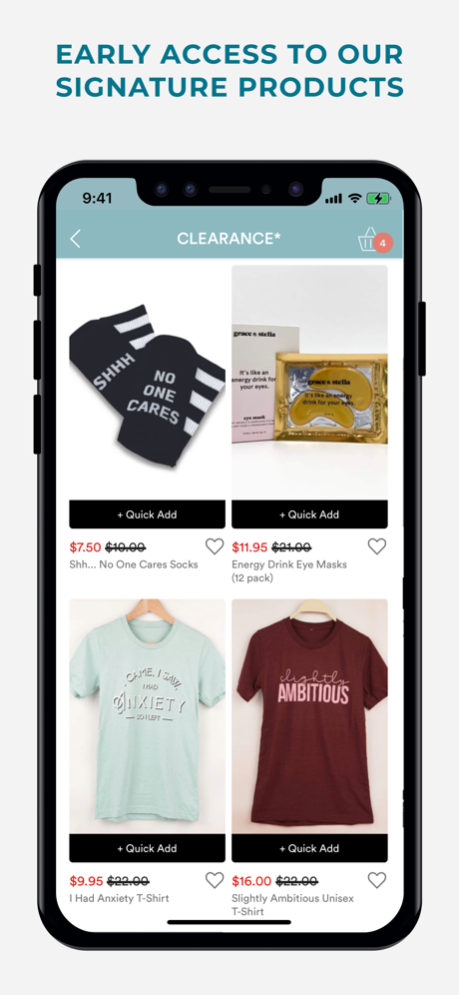
If you love funny products, cuss words, and treating yourself, you're in the right place.
Download the Smart and Sassy app to get exclusive discounts, shop early access, and be the first to know when new sass has arrived.
A MONTHLY DELIVERY OF SARCASM
Welcome to the monthly subscription box that says EXACTLY what you're thinking (so your mouth won't have to). Each month you'll receive hand-curated items saturated with pure snark and sass (00+ value per box).
SASSY SHOPPING
Not interested in a long-term commitment? Shop for ready-to-ship apparel, past boxes, office goods, drinkware, and more.
GIVE A GREAT GIFT
Know a sarcastic soul who needs a treat? Shop for a gift subscription, one-off items, and seasonal bundles.
EXCLUSIVE ACCESS
Be the first to know about exclusive offers and product launches through first-to-know notifications and app-user-only early access.
Well-behaved
Jul 5, 2024
Version 6.8
• New and improved user accounts
• Easier and faster checkout
• View and keep track of your orders
About Smartass & Sass
The company that develops Smartass & Sass is Smartass & Sass. The latest version released by its developer is 6.8.
To install Smartass & Sass on your iOS device, just click the green Continue To App button above to start the installation process. The app is listed on our website since 2024-07-05 and was downloaded 2 times. We have already checked if the download link is safe, however for your own protection we recommend that you scan the downloaded app with your antivirus. Your antivirus may detect the Smartass & Sass as malware if the download link is broken.
How to install Smartass & Sass on your iOS device:
- Click on the Continue To App button on our website. This will redirect you to the App Store.
- Once the Smartass & Sass is shown in the iTunes listing of your iOS device, you can start its download and installation. Tap on the GET button to the right of the app to start downloading it.
- If you are not logged-in the iOS appstore app, you'll be prompted for your your Apple ID and/or password.
- After Smartass & Sass is downloaded, you'll see an INSTALL button to the right. Tap on it to start the actual installation of the iOS app.
- Once installation is finished you can tap on the OPEN button to start it. Its icon will also be added to your device home screen.
Program Details
System requirements
Download information
Pricing
Version History
version 6.8
posted on 2024-07-05
Jul 5, 2024
Version 6.8
• New and improved user accounts
• Easier and faster checkout
• View and keep track of your orders
version 6.6
posted on 2024-06-20
Jun 20, 2024
Version 6.6
• New and improved user accounts
• Easier and faster checkout
• View and keep track of your orders
version 6.5
posted on 2024-06-03
Jun 3, 2024
Version 6.5
• New and improved user accounts
• Easier and faster checkout
• View and keep track of your orders
version 6.4
posted on 2024-03-17
Mar 17, 2024
Version 6.4
• New and improved user accounts
• Easier and faster checkout
• View and keep track of your orders
version 6.2
posted on 2024-02-11
Feb 11, 2024
Version 6.2
• New and improved user accounts
• Easier and faster checkout
• View and keep track of your orders
version 6.1
posted on 2023-11-05
Nov 5, 2023
Version 6.1
• New and improved user accounts
• Easier and faster checkout
• View and keep track of your orders
version 6
posted on 2023-10-17
Oct 17, 2023
Version 6
• New and improved user accounts
• Easier and faster checkout
• View and keep track of your orders
version 5.8
posted on 2023-09-25
Sep 25, 2023
Version 5.8
• New and improved user accounts
• Easier and faster checkout
• View and keep track of your orders
version 5.7
posted on 2023-08-18
Aug 18, 2023
Version 5.7
• New and improved user accounts
• Easier and faster checkout
• View and keep track of your orders
version 5.6
posted on 2023-07-05
Jul 5, 2023
Version 5.6
• New and improved user accounts
• Easier and faster checkout
• View and keep track of your orders
